
The Short Answer
Pick the monitor that matches how you want to track your energy:
- Loop: free if you have a smart meter. Start here.
- OWON 3-Phase WiFi Monitor: the default pick for real-time clamp-on monitoring. Three CT clamps, Smart Life app, DIY install. About £55.
- OWON Bi-Directional: for solar homes, tracks import and export separately. About £45.
- Efergy Elite Classic 4.0: a screen instead of a phone app. Frequently out of stock, so check before you set your heart on it.
- Shelly Pro 3EM: for Home Assistant. Needs an electrician but it's the real deal. Shelly has moved on to a v2 of this and the original listing keeps going out of stock, so read the stock badge before you order.
Why Bother?
You can't manage what you can't see. Most people have no idea how much electricity their heat pump uses, whether their solar panels are actually generating what the installer promised, or which appliances are quietly draining money. An energy monitor puts a number on it, in real time, not on a quarterly bill you've already forgotten about.
If you've just had a heat pump installed, a monitor answers the question everyone asks: "Is this thing actually saving me money?" If your monitor shows your heat pump drawing 5,000 kWh per year when it should be closer to 3,500 kWh, something's wrong: maybe the flow temperature is set too high, or you've got an insulation problem. Without a monitor, you wouldn't know until you got a surprisingly large electricity bill.
Our Picks
All 5 Products Compared
As an Amazon Associate we earn from qualifying purchases. Prices correct as of 25 September 2026, checked against Amazon every few hours.
Best Overall: OWON 3-Phase WiFi Monitor
Best Overall
OWON 3-Phase WiFi Smart Home Energy Monitor
£53.54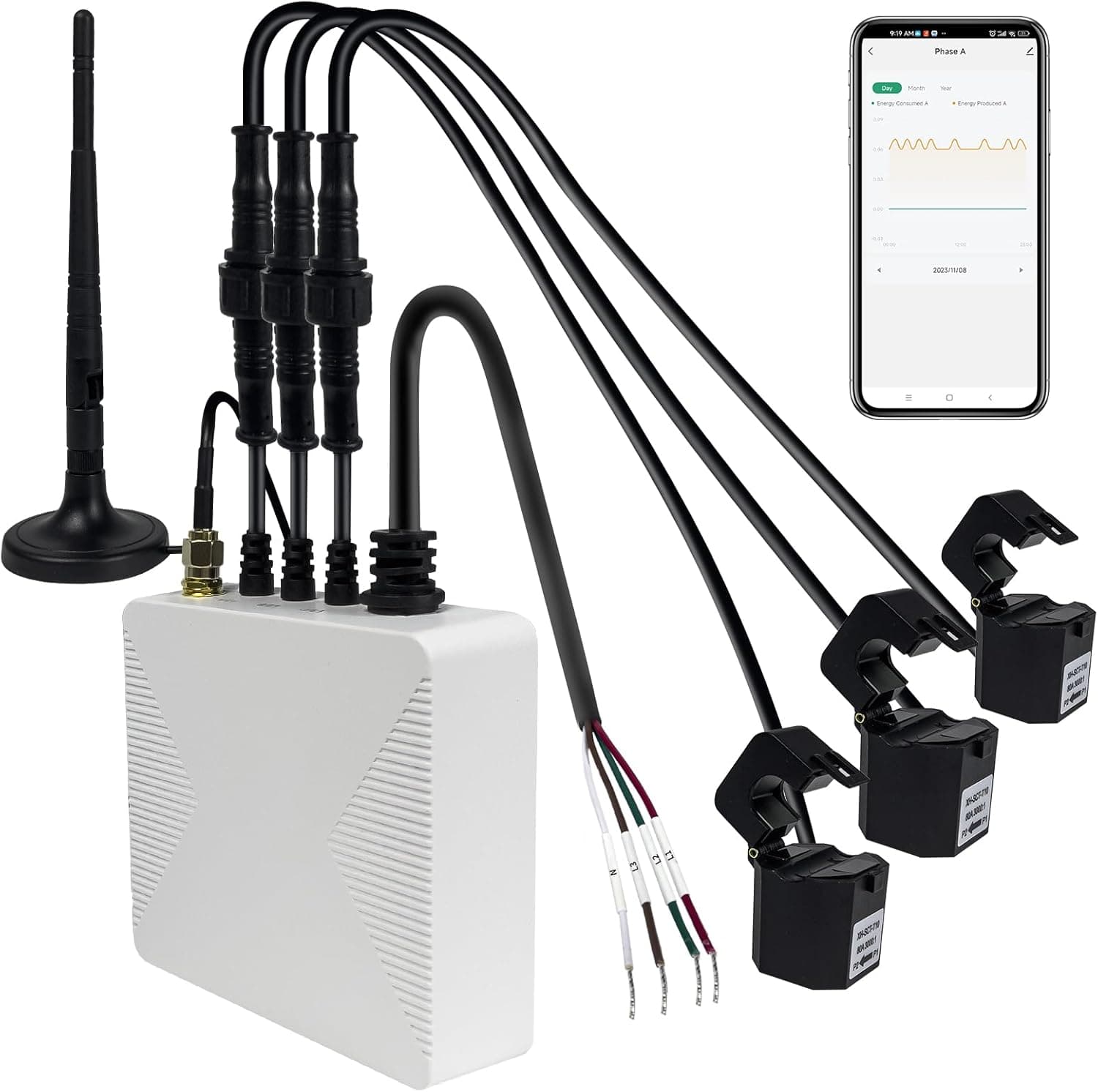
The OWON ships with three 80A CT clamp sensors that clip around the main live cable in your consumer unit. No electrician, no re-wiring; the clamps never touch live parts. It takes about ten minutes to fit and connect to the Smart Life app on your phone. Real-time watts, daily and monthly kWh, cost estimates: everything's there.
Three clamps is the big thing. One on your main tail gives you whole-house usage. The other two can go on your heat pump circuit, your EV charger, your solar inverter, or any big circuit you want to track separately. Most single-clamp monitors can't tell you how much your heat pump is actually drawing; this one can.
Buy this if: you want the best-value whole-house monitor and you're happy using a phone app rather than a standalone display.
Best for Solar: OWON Bi-Directional Monitor
Best for Solar
OWON Bi-Directional WiFi Energy Monitor (2-Clamp)
£43.00Standard energy monitors see how much is flowing but not which direction. That's a problem for solar households: if you're exporting on a sunny day, a one-way monitor just reads "low usage" and misses the full picture. The OWON Bi-Directional has two CT clamps that track direction of flow, so you get genuine import, export and self-consumption numbers separately.
It's cheaper than the Shelly Pro 3EM and simpler to fit; DIY clamp-on install for most single-phase homes. If all you want is a clear "this is what I imported from the grid, this is what I sent back" number each month, this is the sweet spot. If you need per-circuit breakdowns or Home Assistant integration, step up to the Shelly.
Buy this if: you have solar panels and want a simple, single-phase solution that actually sees export.
Best Standalone Display: Efergy Elite Classic 4.0
Best Standalone Display
Efergy Elite Classic 4.0
£75–£85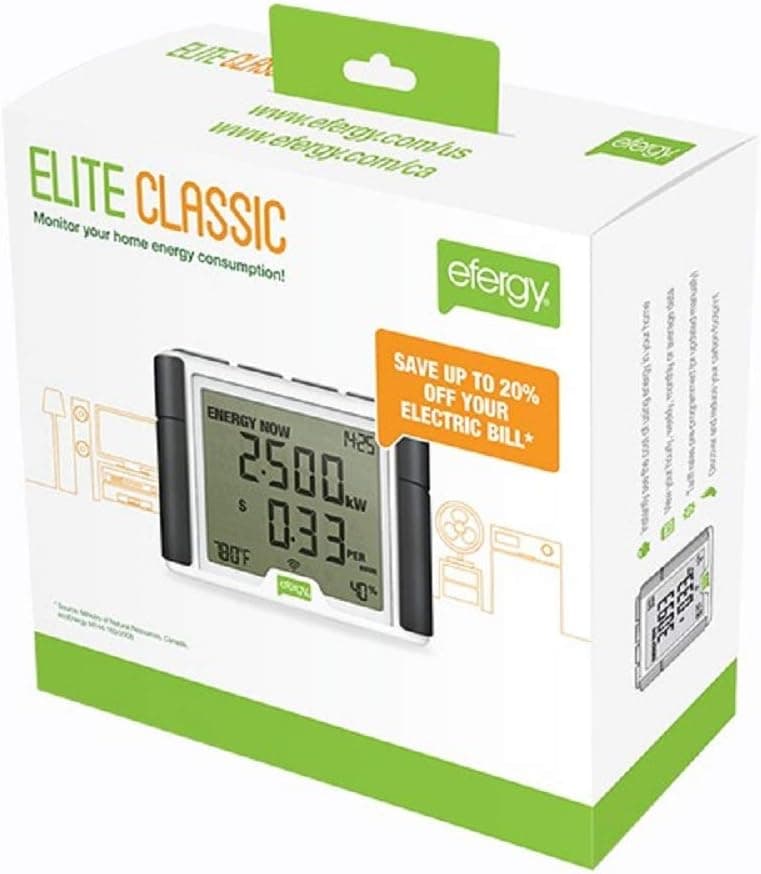
While it's out of stock, consider
 OWON 3-Phase WiFi Smart Home Energy Monitor with 3x80A Circuit-Level Sensors - Vue Real-Time Electricity Meter for Smart Life£53.54 on Amazon
 OWON Bi-Directional WiFi Energy Monitor with 2 Clamps, 80A Smart Energy Meter for Single Phase Electricity. WiFi Power Meter for Real-time Electricity Monitoring.Track CT KWh Power Consumption at Home£43.00 on Amazon
Not everyone wants to unlock their phone to check what the oven's drawing. The Efergy Elite gives you a dedicated wireless display that you can stick on the kitchen counter. Real-time watts, live cost per hour, daily and weekly totals: all on a screen you'll actually glance at.
It's been on the market a long time and has the review history to prove it (the current count and rating are in the product card above, pulled live, so we don't print a number here that goes stale). Single CT clamp, no WiFi, no app, no account. Fit it yourself in ten minutes. Runs on batteries (two 3V CR2032s for the display), so no routers or cloud services to worry about. It's the least-exciting option on this list, but for someone who just wants a usable number visible in the kitchen, it's the right answer.
Buy this if: you want a display on the counter, hate phone apps, and don't need per-circuit or solar breakdowns.
Best Free: Loop (Smart Meter App)
Best Free Option
Loop Energy Saver (Smart Meter App)
Free
If you've got a smart meter of any kind, try Loop before spending any money. It's a free app that connects to your meter via the DCC (the secure comms network smart meters use) and gives you live usage, historical trends and automatic tariff comparison. It doesn't touch your WiFi and doesn't need any hardware.
One correction, because we had this wrong and so does most of the internet: Loop is not SMETS2-only. Loop's own support page says it is "compatible with most second generation meters and most first generation meters", and that it expects to cover all first generation meters soon. If you want to know which you have, check the electricity meter's serial number: Loop says one starting 19P is first generation and 19M is second generation.
The catch: it's slightly less responsive than a clamp-on monitor (10–30 second lag vs near-instant), and occasionally flaky if your meter's DCC connection drops. You also can't get per-circuit or import/export breakdowns like you can with a proper clamp sensor. But for free? Absolutely worth trying first.
Use this if: you have a smart meter of any generation and want to see what data's available before buying anything.
Best for Home Assistant: Shelly Pro 3EM
Best for Home Assistant
Shelly Pro 3EM (120A)
£120–£150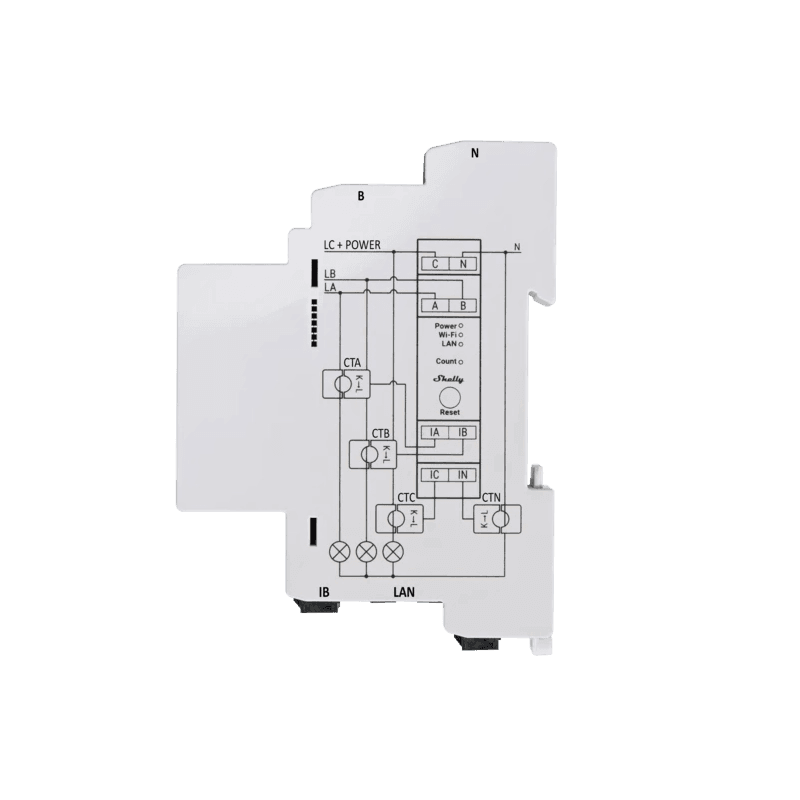
While it's out of stock, consider
- OWON Bi-Directional WiFi Energy Monitor with 2 Clamps, 80A Smart Energy Meter for Single Phase Electricity. WiFi Power Meter for Real-time Electricity Monitoring.Track CT KWh Power Consumption at Home£43.00 on Amazon
- OWON 3-Phase WiFi Smart Home Energy Monitor with 3x80A Circuit-Level Sensors - Vue Real-Time Electricity Meter for Smart Life£53.54 on Amazon
This is the power-user pick. The Shelly Pro 3EM mounts on a DIN rail inside your consumer unit (needs an electrician), measures three phases at up to 120A each, and exposes everything via local REST API and MQTT. Zero cloud dependency; it works if your internet goes down. The device logs one-minute readings on-board, so even if your network falls over you don't lose data. Be careful with the number you see quoted for that: Shelly's marketing bullet says "up to 60 days", but its own specification table says "at least 45 days of 1 min data resolution". Forty-five days is the figure Shelly will actually stand behind, so that's the one we use.
For a household running solar, an EV charger, and maybe a heat pump, this is the only monitor on this list that can give you a genuinely complete real-time picture. Class B accuracy (±1%) means the numbers stand up to utility-grade logging. And if you're running Home Assistant, Node-RED or openHAB, the Shelly integrations are first-class. For everyone else, it's overkill; the OWON 3-Phase does 80% of the job for a third of the price.
Buy this if: you run a smart home platform, have solar + EV, and want proper local data.
What You Don't Need
- Don't rely on your smart meter's In-Home Display alone. IHDs show live usage but no proper historic data and no export. You can't analyse patterns or catch a misbehaving heat pump. Use Loop for free instead: same data, proper analytics.
- Don't buy a cheap no-name clamp monitor without a working app. There are £20 monitors on Amazon with five-star reviews from people who used them for a week. Check review dates. A cheap clamp without a usable app is just a wattage readout; no history, no export, no value.
- Don't buy Emporia Vue or Sense from the UK. Both are US products with no official UK distribution. Grey-imported units usually work, but warranty support is patchy and firmware updates can be region-locked. Stick with UK-supported options.
- Don't expect whole-house monitors to break down individual appliances. A three-clamp monitor can track a few circuits; it can't tell you what your PlayStation costs on standby. For per-appliance data, use energy-monitoring smart plugs (from £8 each). Most homes end up with both.
What to Actually Do With Your Monitor
Track Your Heat Pump
A well-running heat pump in a well-insulated home should use roughly 3,000–5,000 kWh per year for heating and hot water. If your monitor shows significantly more, something's off. The usual culprits: flow temperature set too high (ask your installer to check), poor insulation letting heat escape faster than the pump can replace it, or the system running at times when it doesn't need to. Catching these issues early saves hundreds of pounds a year.
Shift Your Solar Usage
With solar panels, the golden rule is: use your own electricity instead of exporting it. Your monitor shows you when you've got surplus generation; that's when you should be running the washing machine, the dishwasher, or charging your car. Even shifting one or two big appliances into peak solar hours saves £100–£200 per year. It becomes second nature after a week or two.
For the bigger picture on cutting your bills, see our energy efficiency guide. If you're sizing a solar system, our solar sizing guide explains how to match generation to your usage.
Frequently Asked Questions
Pairs well with…
Whole-house monitoring works best combined with per-appliance smart plugs and a smart thermostat that actually acts on the data.
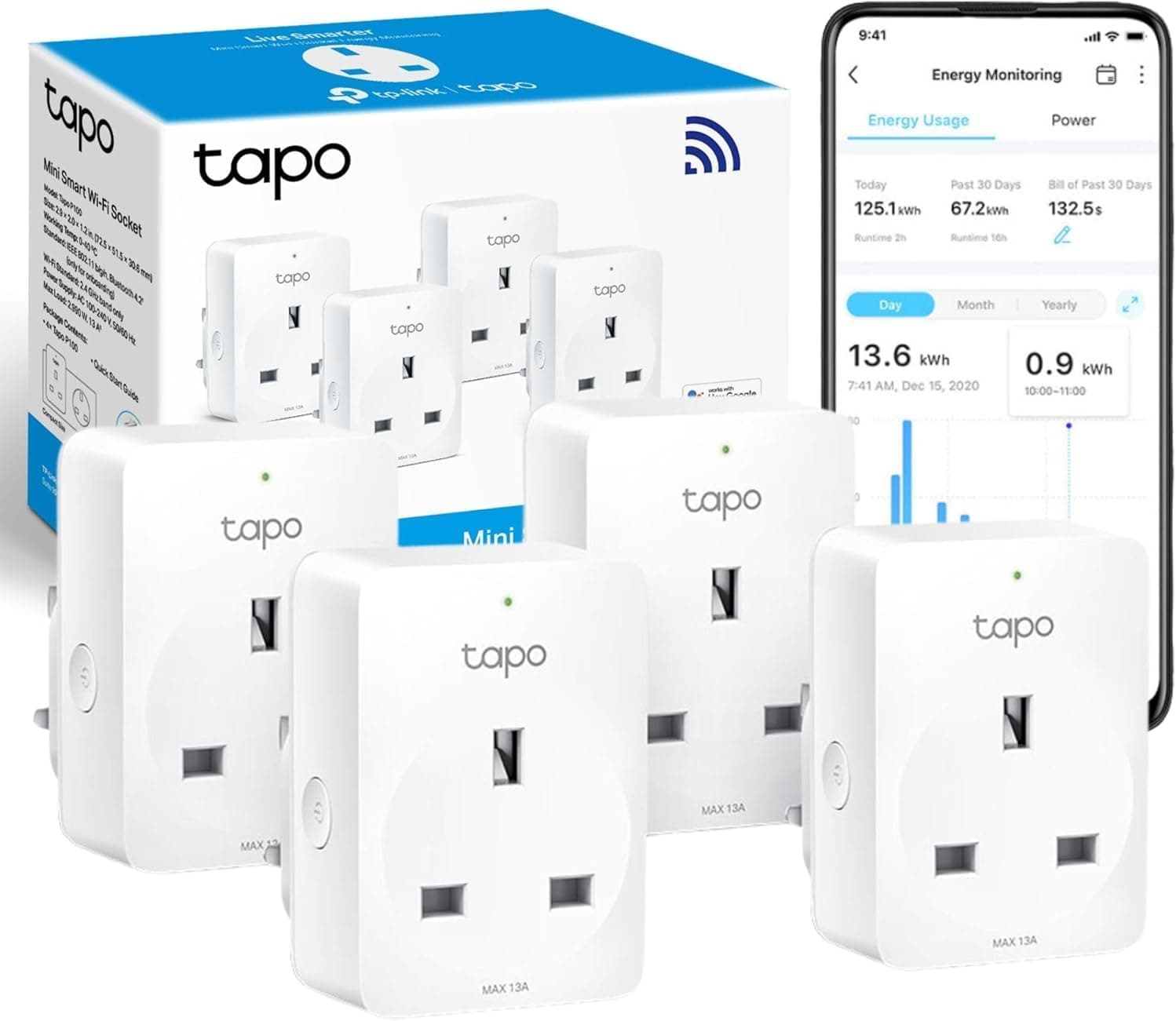
TP-Link Tapo P110 Smart Plug (4-Pack)
£29.99At £8 per plug, this is the cheapest way to monitor what your appliances are costing you. 3,000+ reviews.
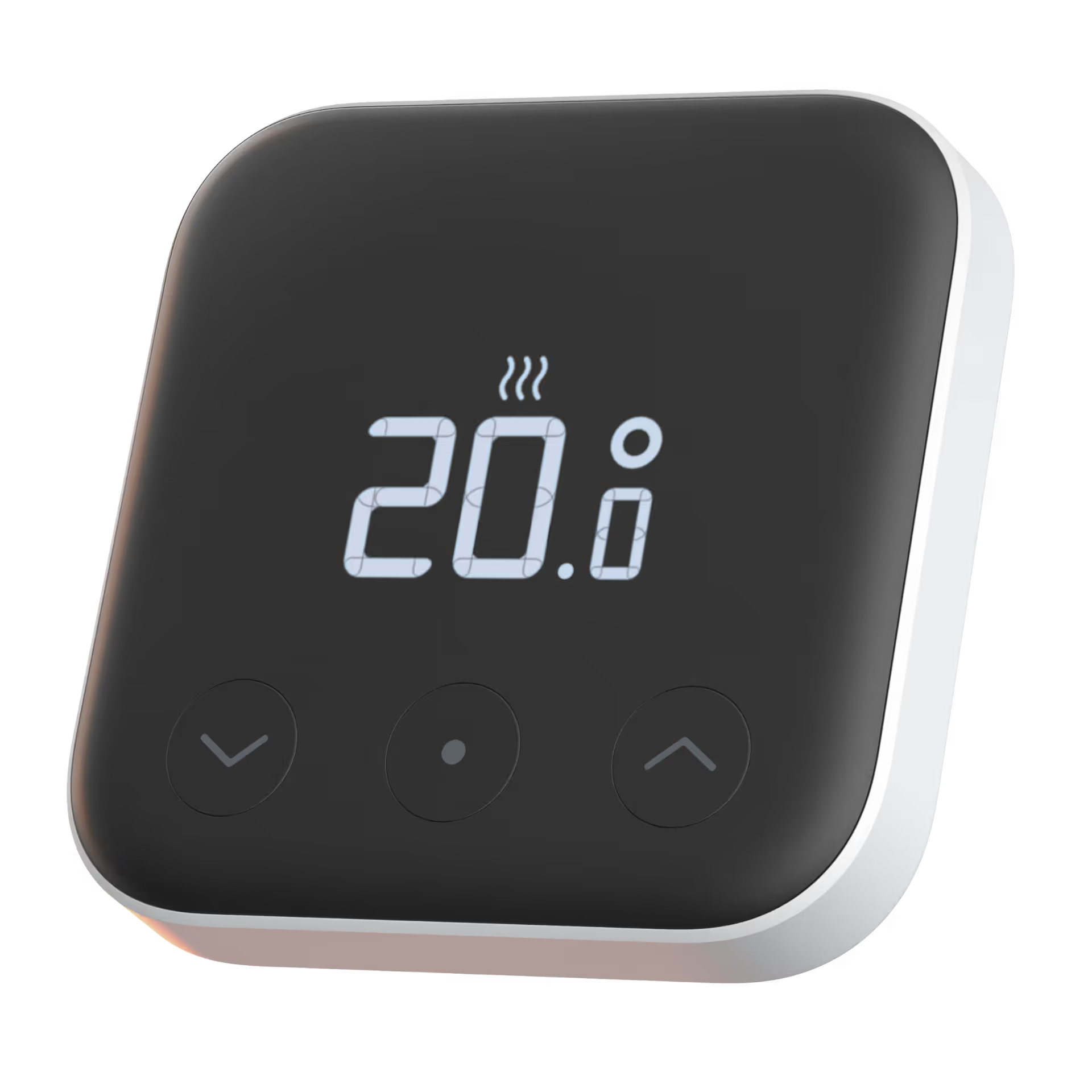
tado° Smart Thermostat Starter Kit V3+
£109.99Works with heat pumps via OpenTherm for weather compensation, reducing running costs by 10–20%.
As an Amazon Associate we earn from qualifying purchases. Prices and stock are checked against Amazon every few hours and may have changed since.
